Facebook
 Twitter
 YouTube
 Flickr
 Shop
Shop Ebay
Ebay Rss Feed
Avi2Dvd Screenshots
Click to enlarge the screenshots:
Avi2Dvd on Windows 7:

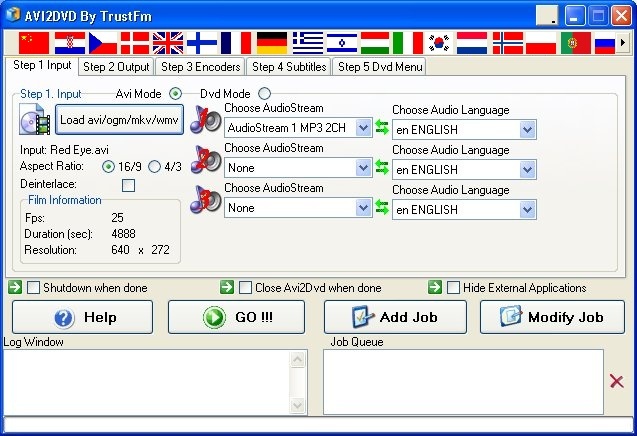
Step 1 [Load the movie]:
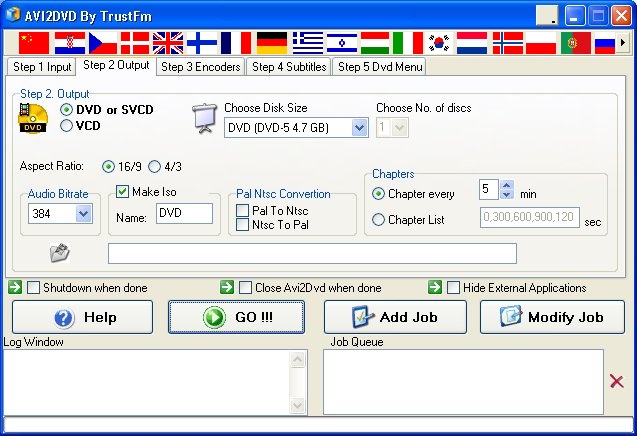
Step 2 [Select your output format]:
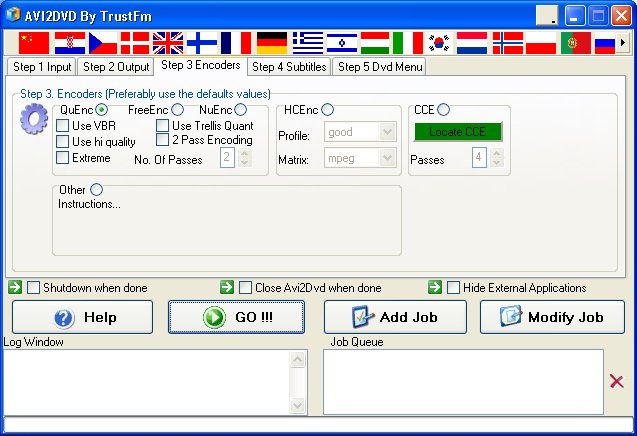
Step 3 [Select your encoder]:
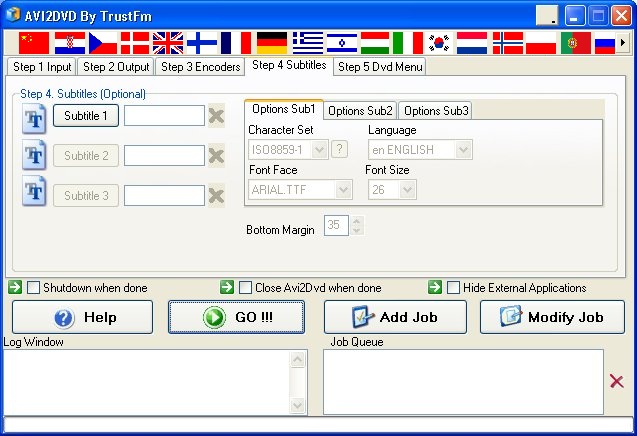
Step 4 [DVD output case] [Select your subtitles]:
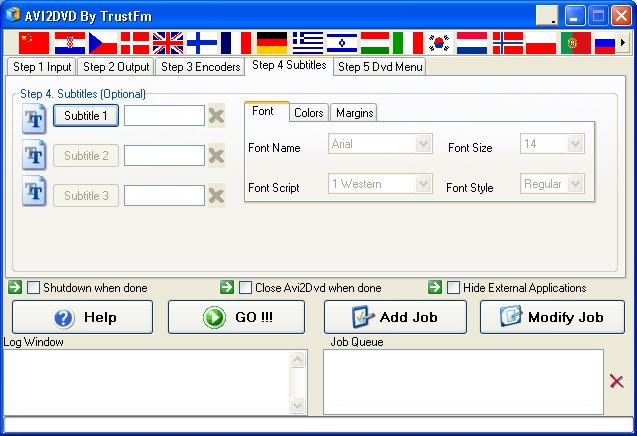
Step 4 [(S)VCD output case] [Select your subtitles]:
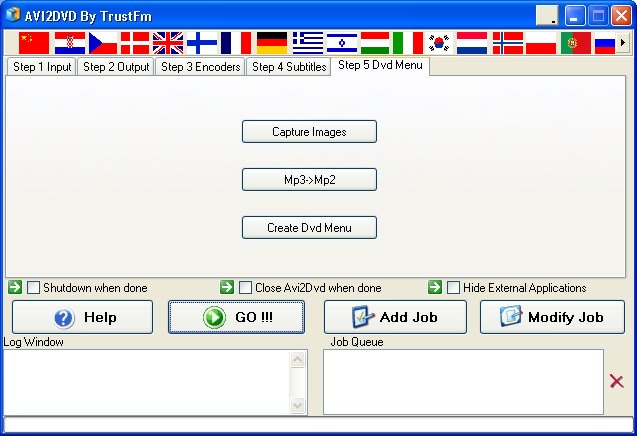
Step 5 [Dvd menu]:
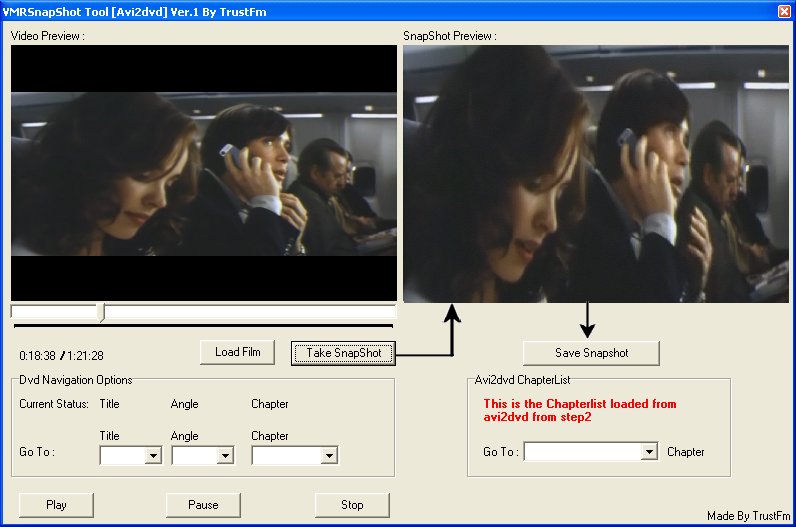
Screenshot Capture tool [Useful to make cool DVD menus] :
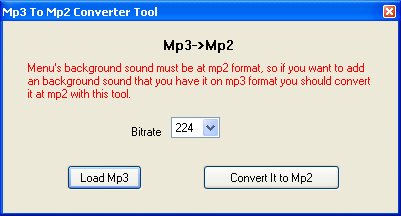
Mp3->Mp2 converter
[Useful for adding sound on the dvd menus] :
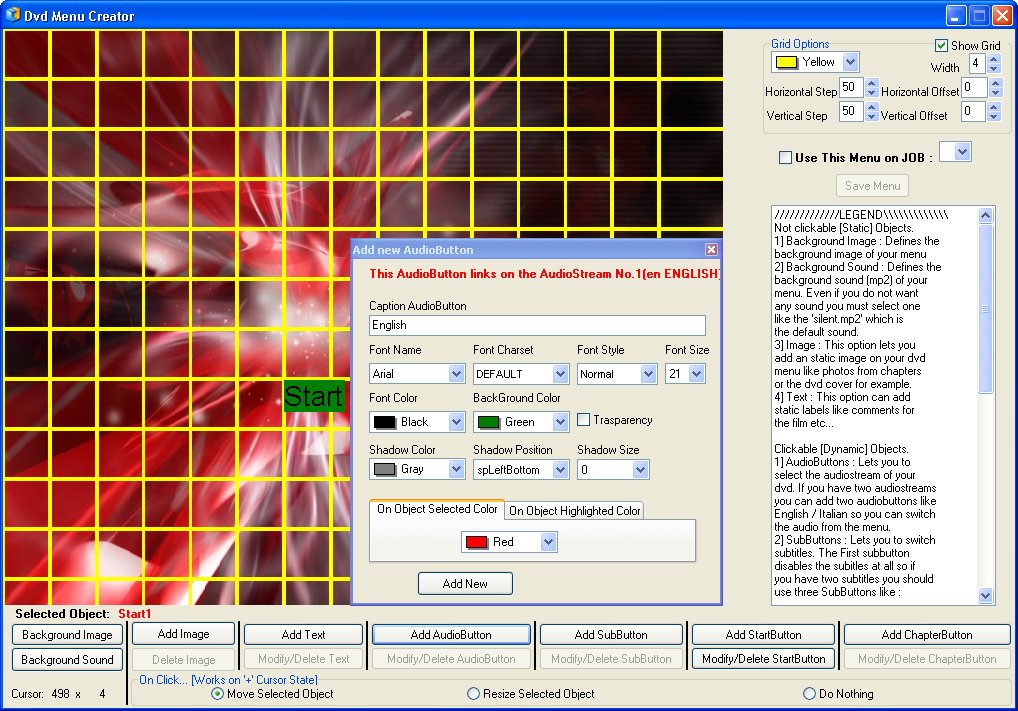
WYSIWYG Dvd Menu Editor :